App Preview
See It in Action
A beautiful, intuitive interface that makes 2FA as effortless as it should be.
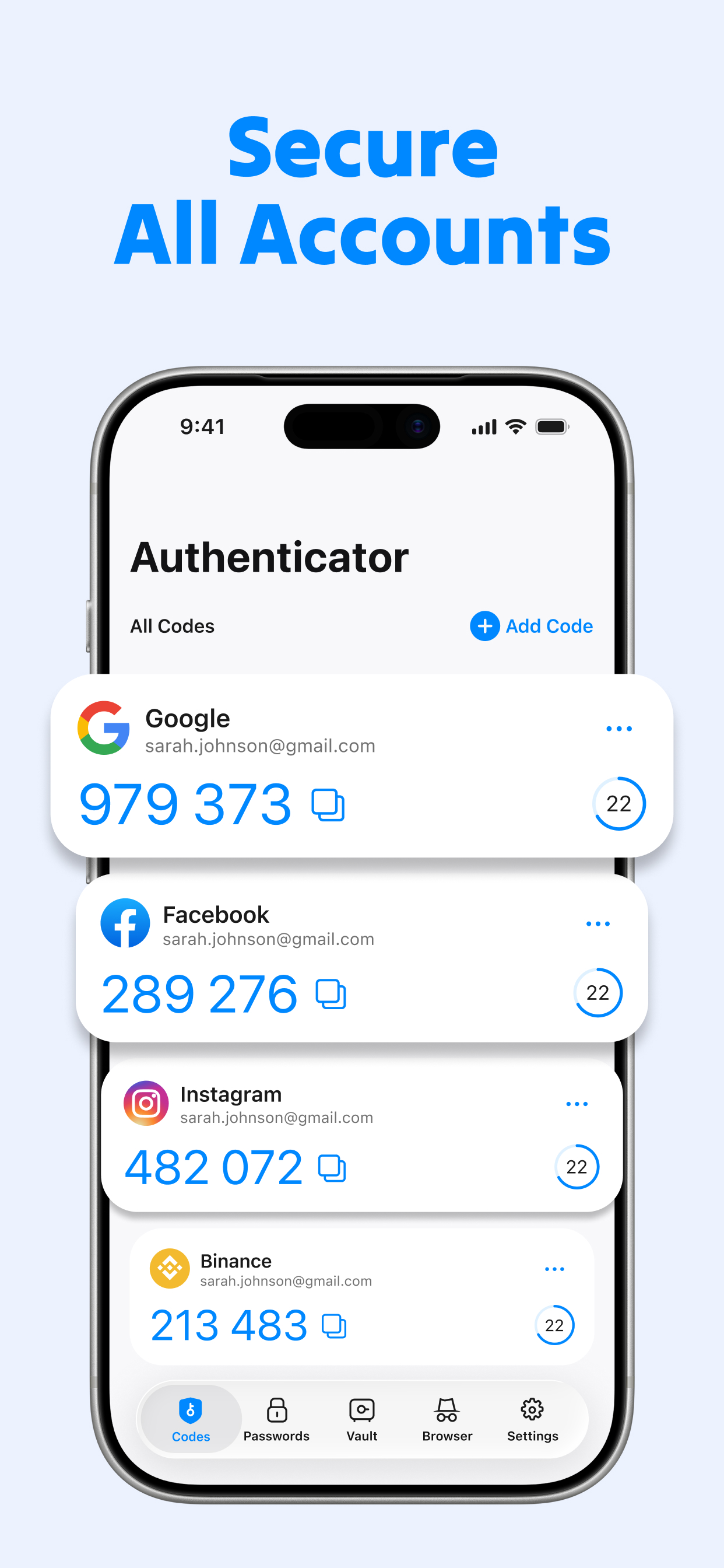
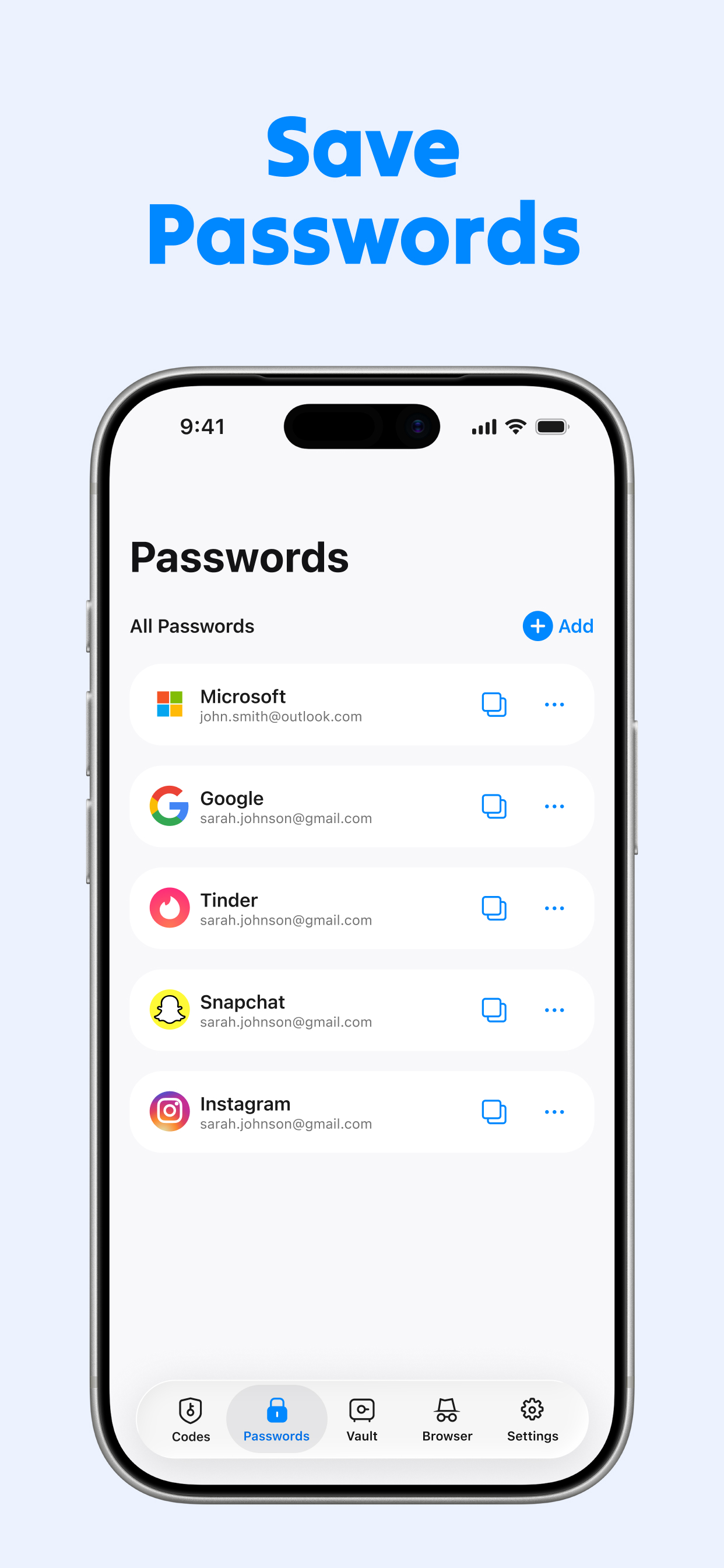
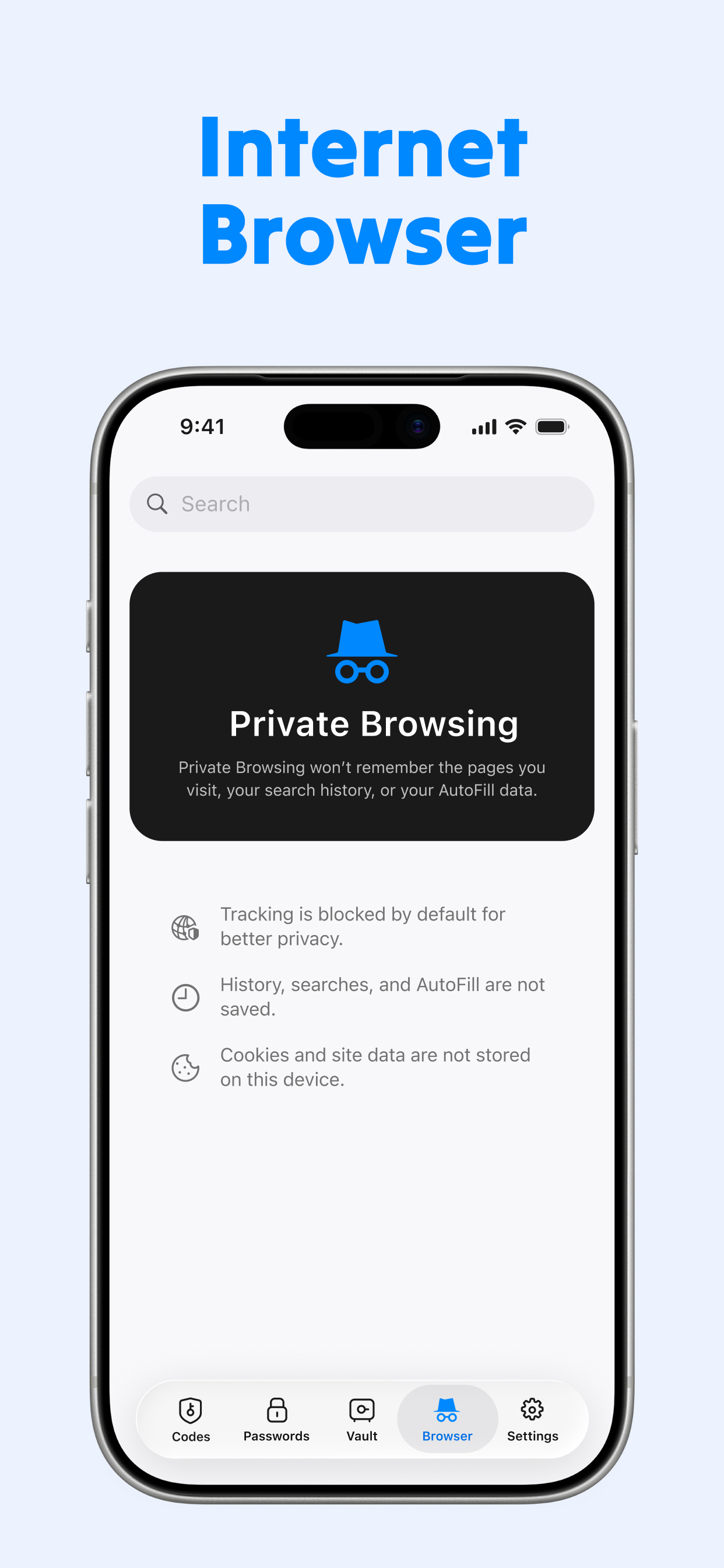
Generate 2FA codes for Google, Microsoft, and 1,000+ services — a powerful alternative to Google Authenticator and Microsoft Authenticator. Encrypted vault, iCloud backup, instant QR setup.
Authenticator App Vault+ packs every feature modern security demands — without the complexity.
Works with every TOTP-compatible platform — Google, Facebook, GitHub, Coinbase, Amazon, and thousands more. If it has 2FA, we've got you covered.
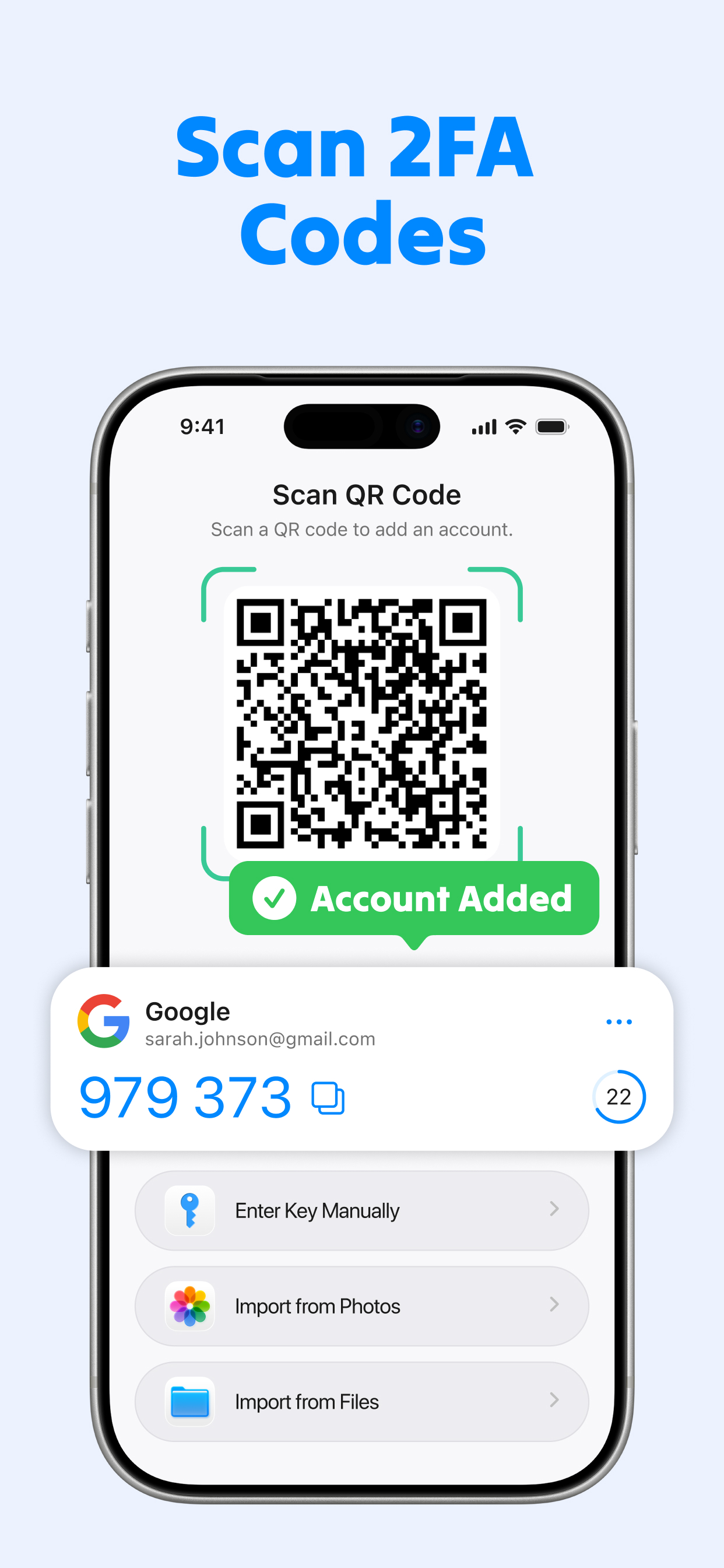
Add any account in seconds. Just scan the setup QR code from any website — no manual entry needed. You can also enter a key manually if you prefer.
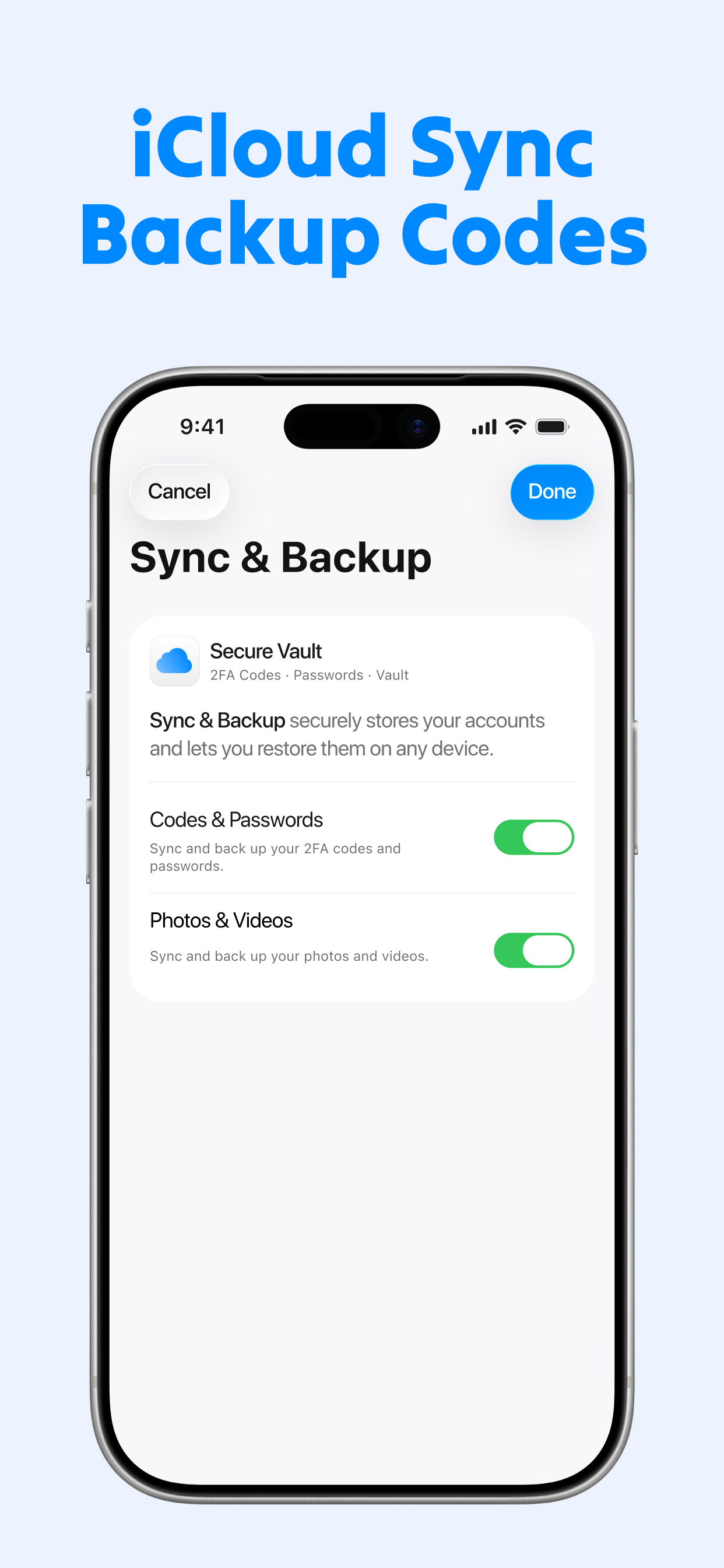
Your 2FA codes are safely backed up to iCloud. Switch phones or get a new device — restore everything in one tap, never lose access to your accounts.
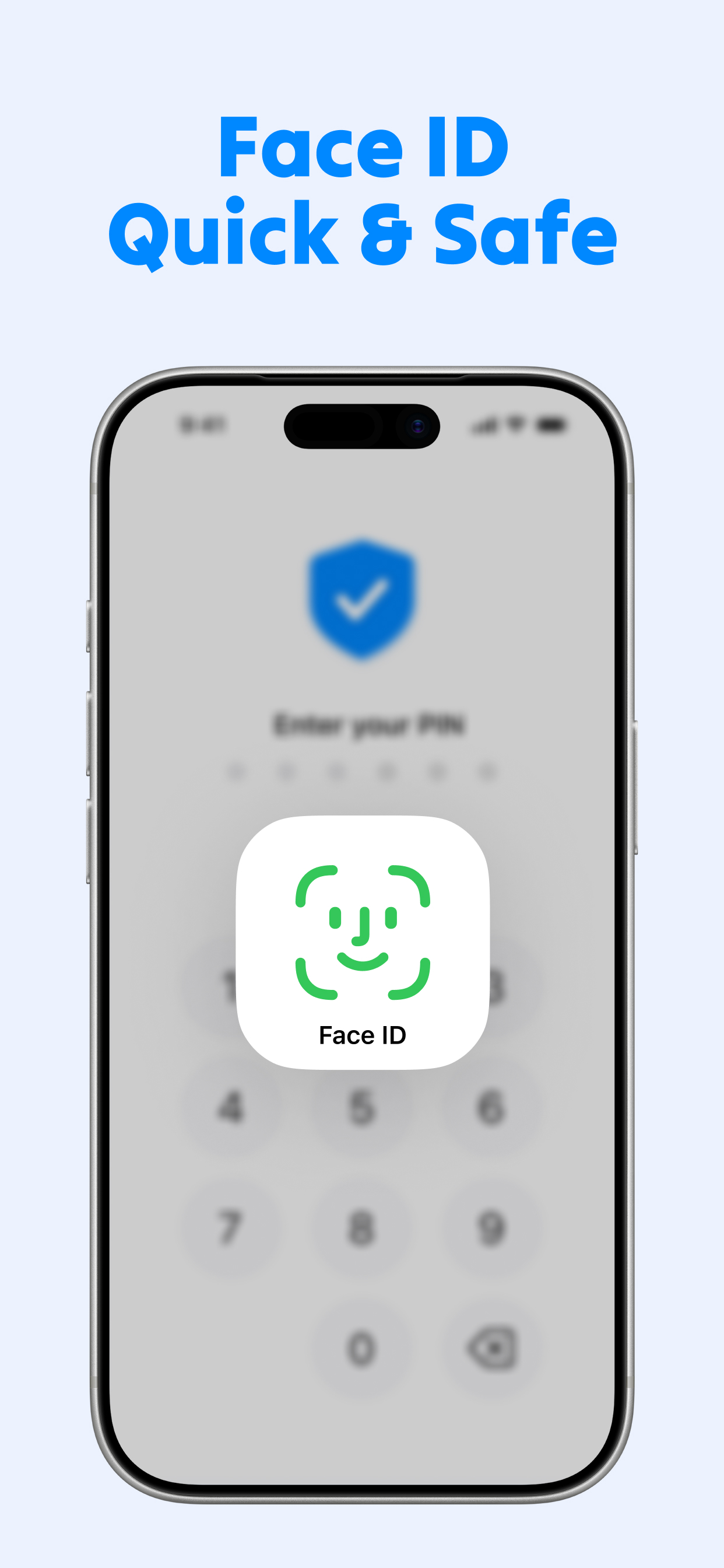
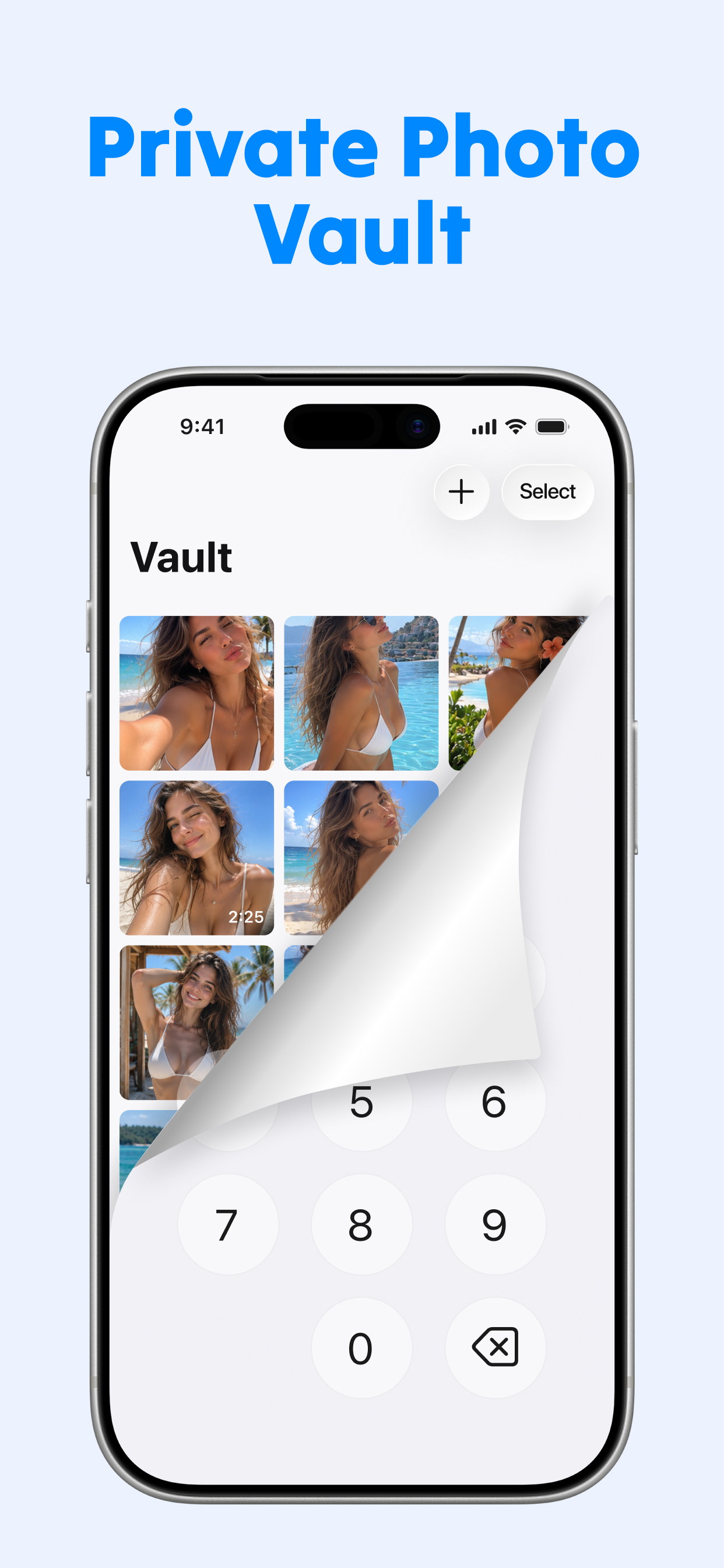
Protect your vault with a passcode. Nobody can access your codes without unlocking it first — your accounts stay private even if your phone is picked up by someone else.
One account, all your devices. iPhone, iPad, and Mac stay perfectly in sync. Your codes are always up to date, no matter which device you're on.
All data is protected with AES-256 encryption locally on your device. Your secrets never leave your device unencrypted — your privacy stays yours.
No internet required to generate codes. TOTP codes work entirely offline — no server call, no delay. One tap to copy and you're in.
Coming from Google Authenticator or Authy? Import your existing accounts in one tap via QR transfer. No manual re-entry, no downtime.
Built from the ground up for iOS. Designed to feel exactly like a native Apple app — smooth animations, clean typography, dark mode support.
A beautiful, intuitive interface that makes 2FA as effortless as it should be.
Three simple steps to lock down every account you own.
Download Authenticator App Vault+ from the App Store. Open it and set up your passcode protection in seconds.
Go to any website's security settings, tap "Enable 2FA", and scan the QR code with our built-in scanner. Done in under 10 seconds.
Next time you log in anywhere, open the app, grab your 6-digit code, and you're in. Your account is now hacker-proof.
Military-grade encryption on device
Vault protected by your passcode
End-to-end encrypted sync
Your secrets never leave your device
Codes work without internet
We designed Authenticator App Vault+ with one principle: your secrets belong only to you.
All 2FA secrets are stored and processed entirely on your device. We never have access to your codes.
When you enable iCloud backup, your data is encrypted before it leaves your device using keys only you hold.
The app blocks screenshots and screen recording to prevent accidental exposure of your codes.
Step away and your vault locks itself. No code is ever visible when the app isn't in active use.
Your accounts deserve better protection. Download Authenticator App Vault+ and take control of your security — start with a free trial.